
Pick
The Pick  tool is used to select entities for further
operations.
When you click on an entity with the Pick tool, the color of the entity changes to blue to indicate that it has been selected.
You can select/unselect multiple entities by holding down the Shift key while clicking on them.
Deleting entities or parts of entities in Pick mode
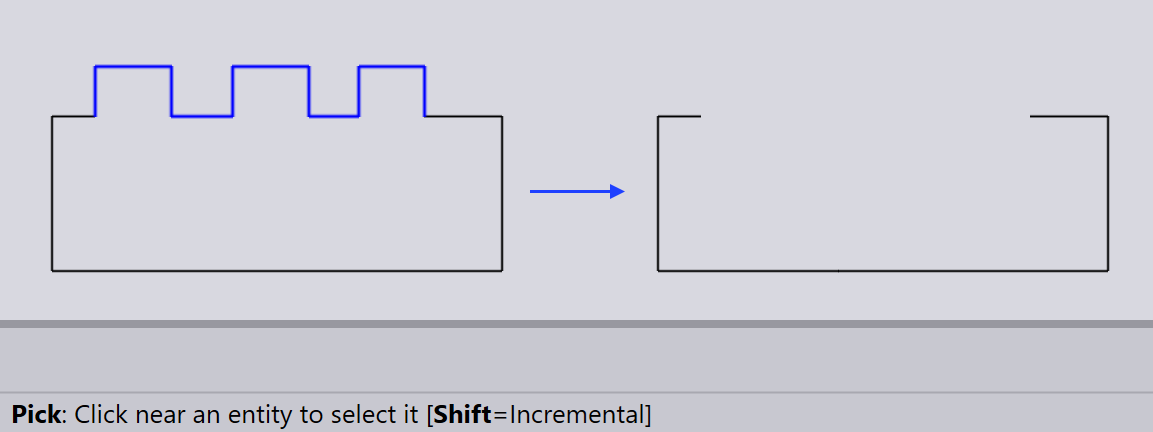
To delete an entity or part of an entity while in Pick mode, select the entity or part by clicking on it, then press the Delete key. The selected entity or part will be removed from the drawing.