
Point
The Point  tool is used to create point entities.
These are usually used to indicate pierce-only points for the laser-tooling
module, or mark inner-holes into which other parts can be packed by the nesting
engine.
Using the mouse
Click the left mouse button once to place the point at the clicked location.
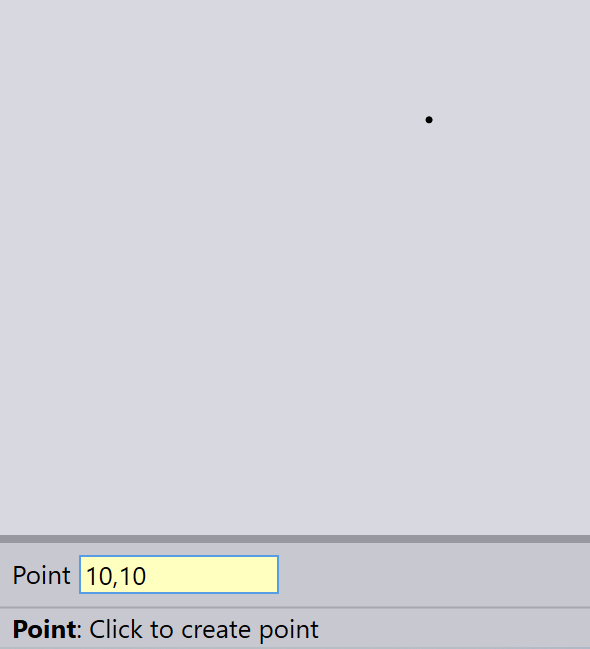
Using the keyboard
Type in the X and Y coordinates into the input box, and press Enter to place the point.
You can use either Absolute or Polar methods to specify coordinates.