Measure
The Measure  tool is used to measure distances
and angles of entities in a drawing.
Select the Measure tool and then move the mouse over the canvas area to see the X and Y coordinates of the mouse pointer.
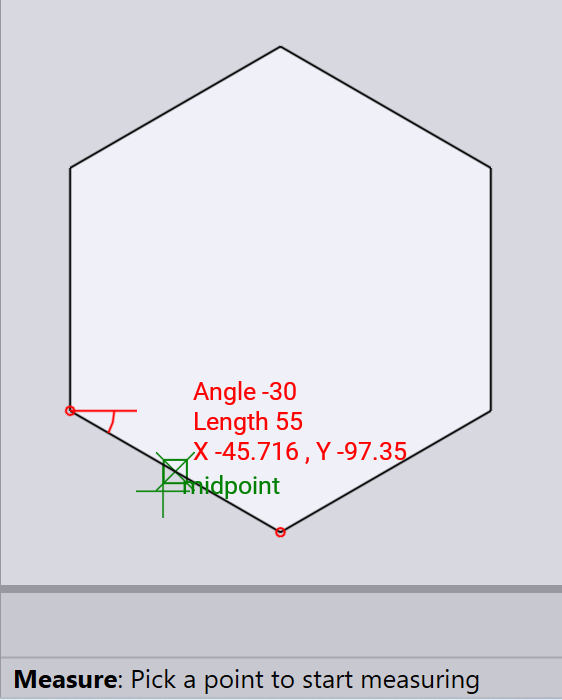
Hover over a drawing entity to snap to it and display its distance and angle. The end points of the entity are highlighted with a small red circle.
For linear measurements, length and angle are displayed.
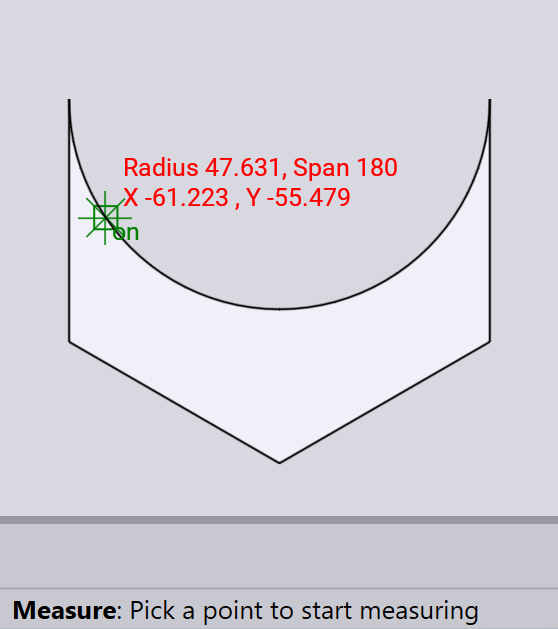
For arc measurements, radius and span of the arc are displayed.
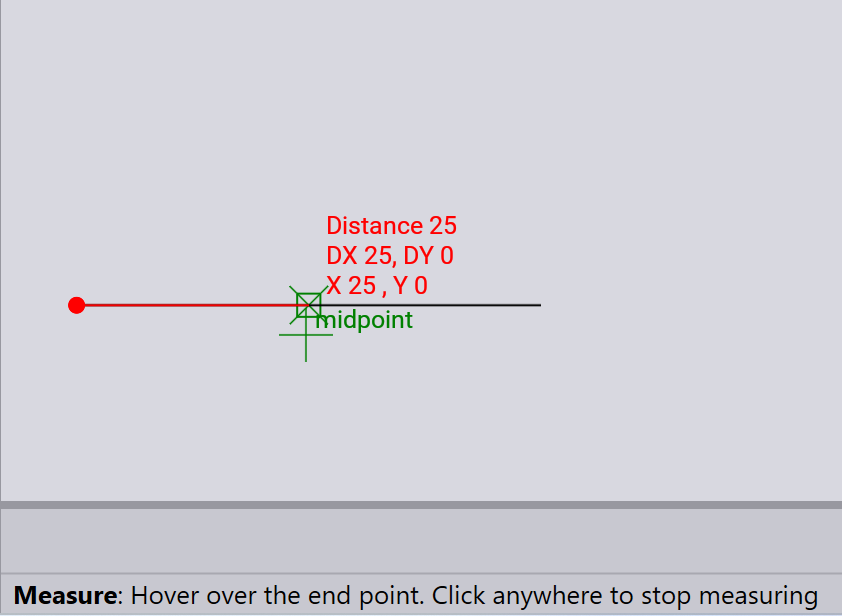
You can also click to set a starting point and then move the mouse to see the distance and angle from that point to the current mouse position.
The image below shows the measurement of a 50-unit line by selecting a starting point and then moving the mouse halfway to the end point of the line. The length and the change in coordinates DX and DY values are displayed.