
Circle
The Circle  tool is used to draw circles by
specifying the center point and radius.
Using the mouse
The first click of the mouse left button sets the center point of the circle.
The second click sets the radius of the circle (the distance between the center point and this second point is the radius).
Using the keyboard
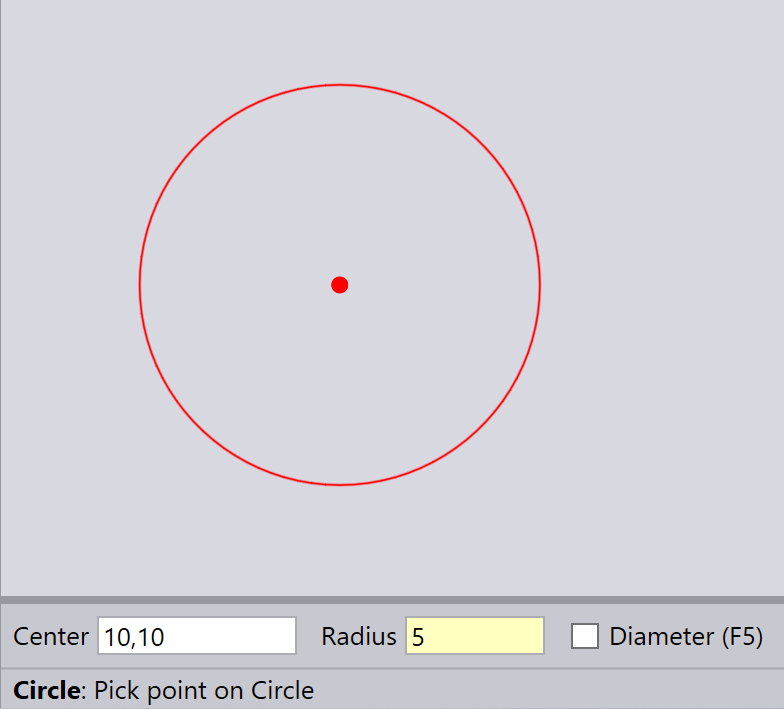
Type in the Center and the Radius, and press Enter to draw the circle.
| The Diameter option is not yet implemented. |