
Edge U-Cut
The Edge U-Cut  tool is used to create a 'U'
shaped notch on a edge of a polyline.
Creating the notch
Type in the Offset, Width, Depth and Radius values to create the 'U' notch.
Hover the mouse cursor over the line segment where you want to create the notch and click the left mouse button.
| If the specified radius is zero, negative, or exceeds half the width or depth, the radius is adjusted to half the width or depth. |
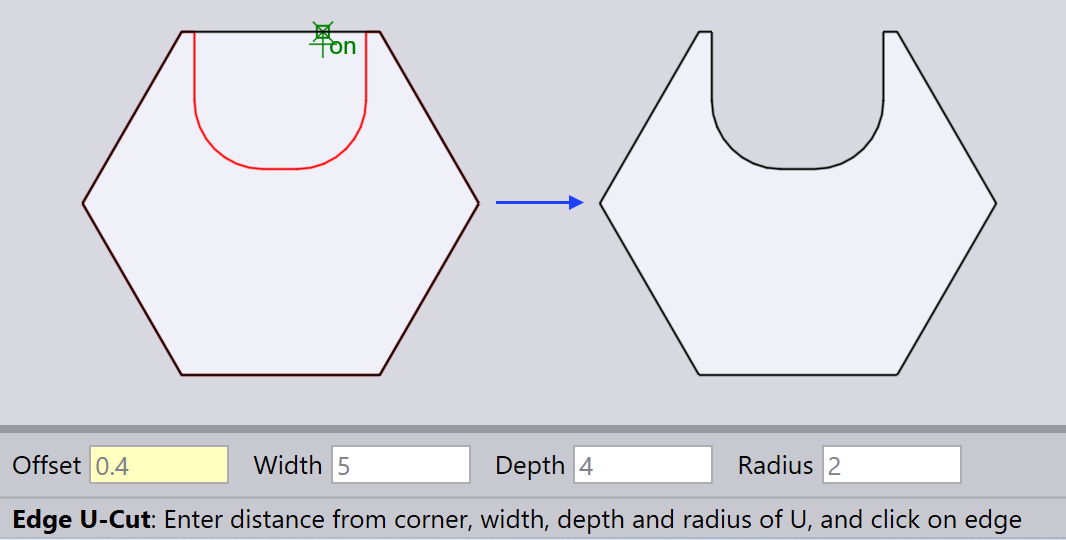
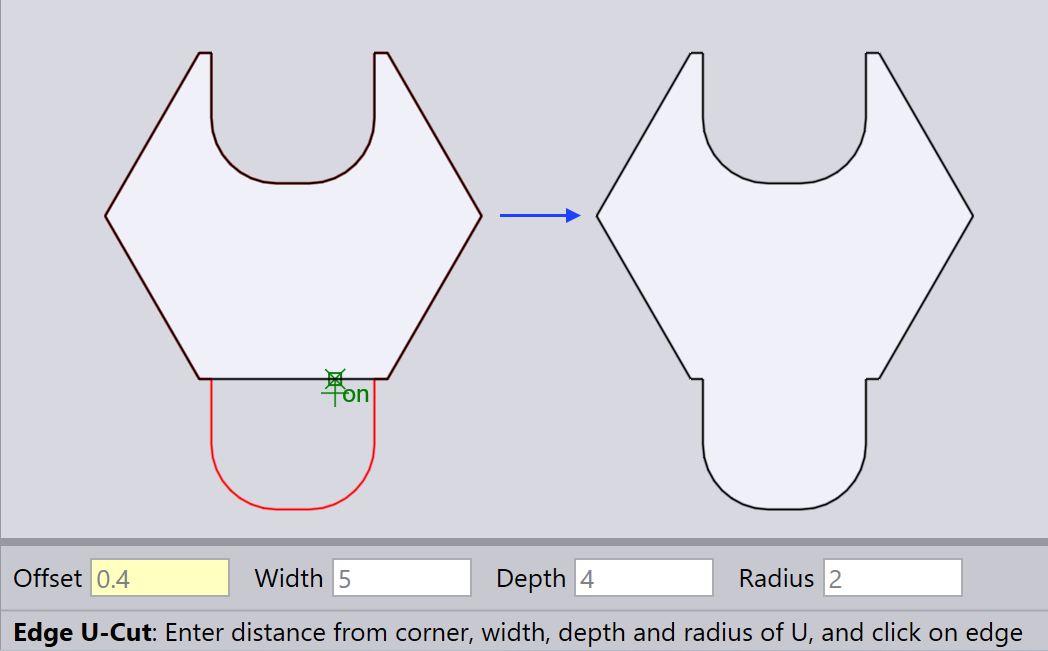
| The notch’s position and orientation depend on the mouse cursor’s location on the chosen line segment and the segment’s length. |