
Rectangle
The Rectangle  tool is used to draw a rectangle
by specifying two opposite corners.
Using the mouse
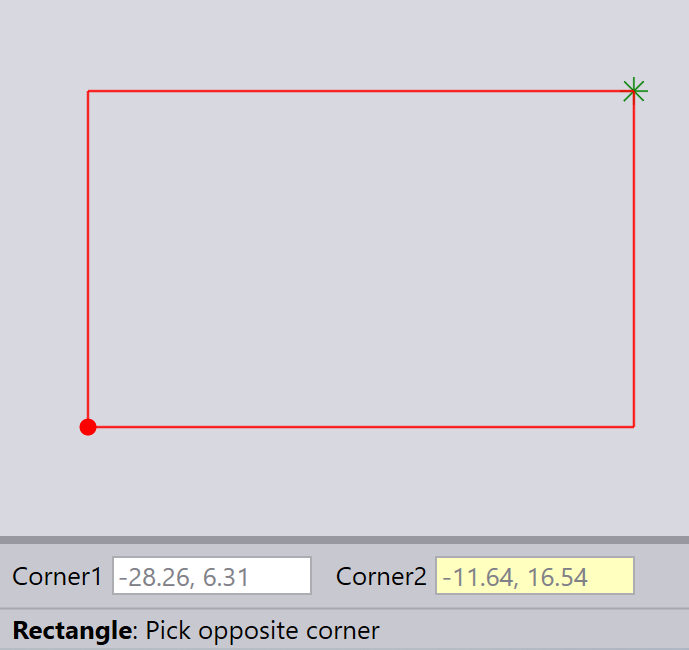
The first click of the left mouse button sets one corner of the rectangle.
The second click sets the opposite corner of the rectangle.
Using the keyboard
Type in the Corner point and the opposite Corner point into the input boxes, and press Enter to draw the rectangle.
You can use either Absolute or Relative methods to specify coordinates.