
Mirror
The Mirror  tool is used make mirror images of
selected entities, about any arbitrary reflection line.
Symmetrical entities are created by reflecting the selected entities about the defined mirror axis.
Using the mouse
First select the drawing entities to rotate by using the Pick tool.
Select the Mirror tool and pick the beginning of mirror line and then pick the end of the mirror line.
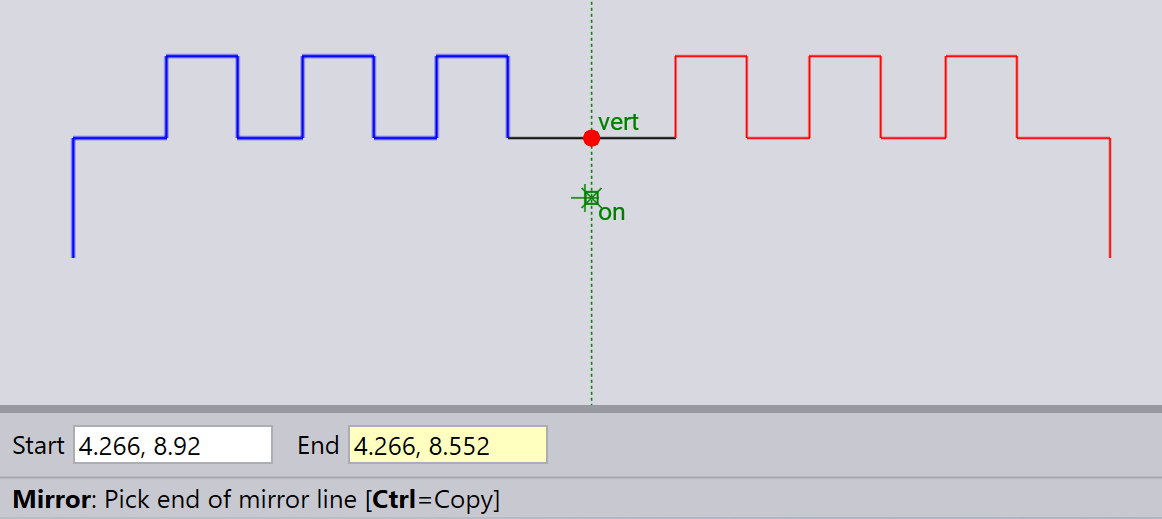
Figure 1. Vertical mirror axis
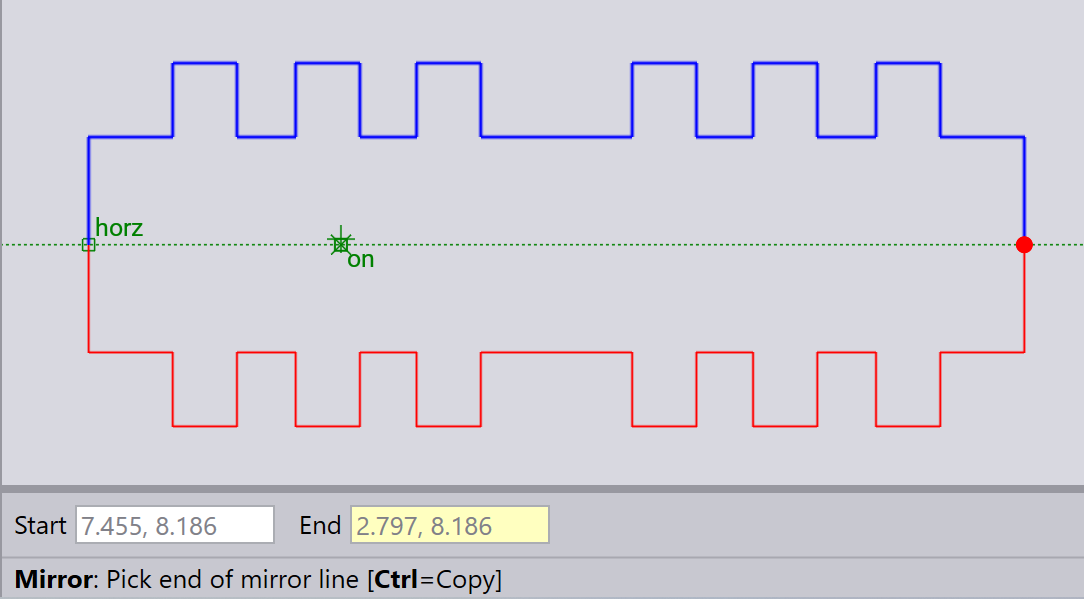
Figure 2. Horizontal mirror axis
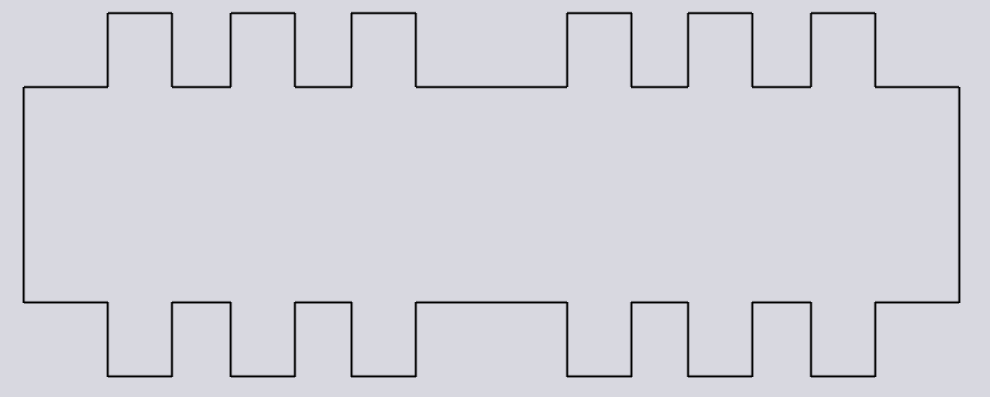
As you can see in the above images, the selected entities can be mirrored in horizontal and vertical axes. Also, they can be mirrored in any arbitrary angle by defining the mirror line accordingly.
Using the keyboard
After selecting the drawing entities you want to mirror, select the Mirror tool.
Type in the Start and End point coordinates of the mirror line using the keyboard, and press Enter.