
Move
The Move  tool is used to move selected objects
through a precise distance.
Using the mouse
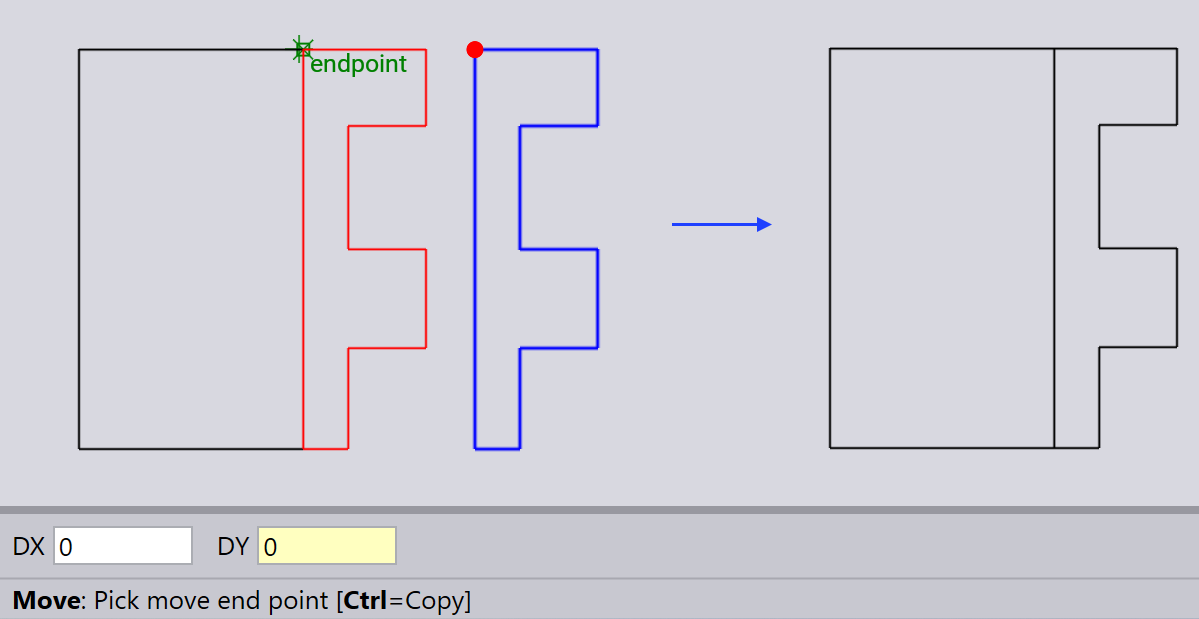
First select the drawing entities you want to move by using the Pick tool.
Select the Move tool and pick a start point and an end point to define the translation vector.
Using the keyboard
After selecting the drawing entities you want to move, select the Move tool.
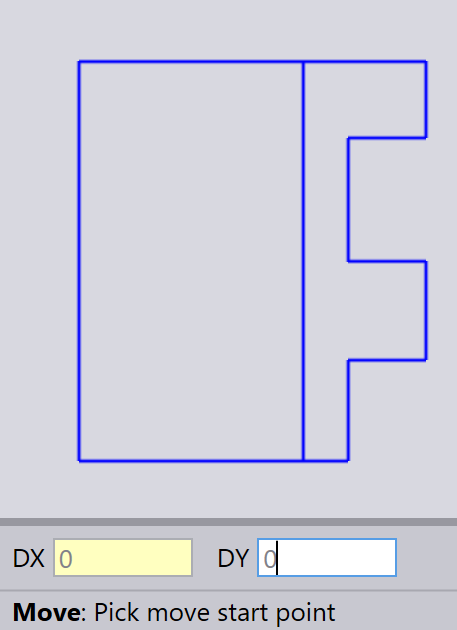
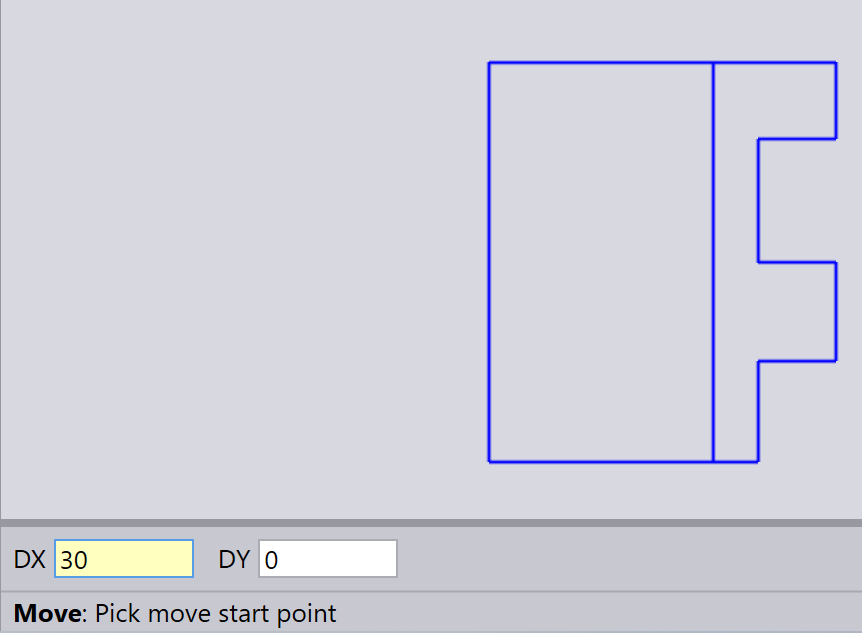
Type in the desired distances in the DX and DY input boxes and press Enter.