
3-Point circle
The 3-Point Circle  tool is used to draw circles
by specifying 3 points that must lie on its circumference.
Using the mouse
The first click of the mouse left button sets the first point on the circumference.
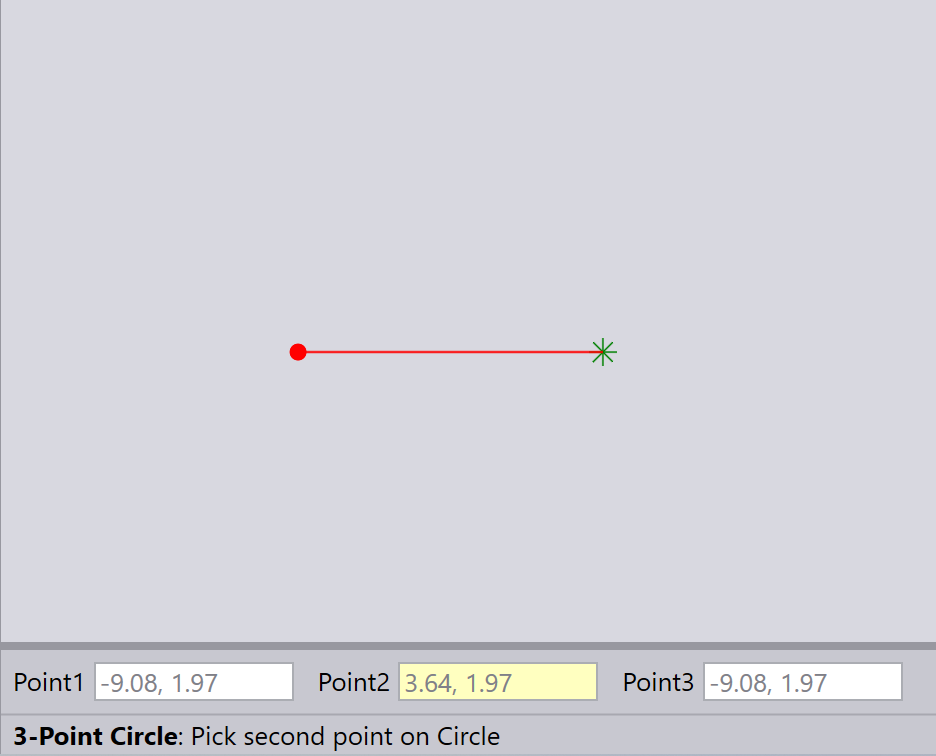
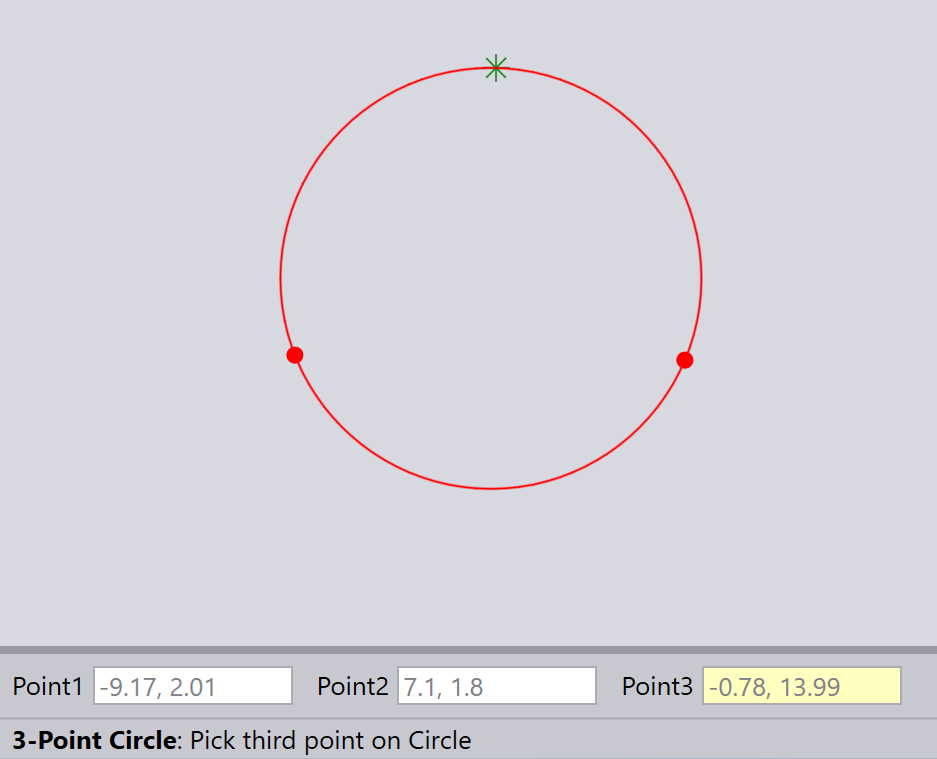
The second click sets the 2nd point on the circumference and the third click sets the third point.
Using the keyboard
Type in the Point1, Point2, and Point3 and press Enter to draw the circle.
| The 3 Points must have different values. The radius must be less than 1e6. |