
Trim
The Trim  tool enables you to remove entities (lines or
arcs) either completely or partially, depending on whether they are obstructed
or intersected by other entities.
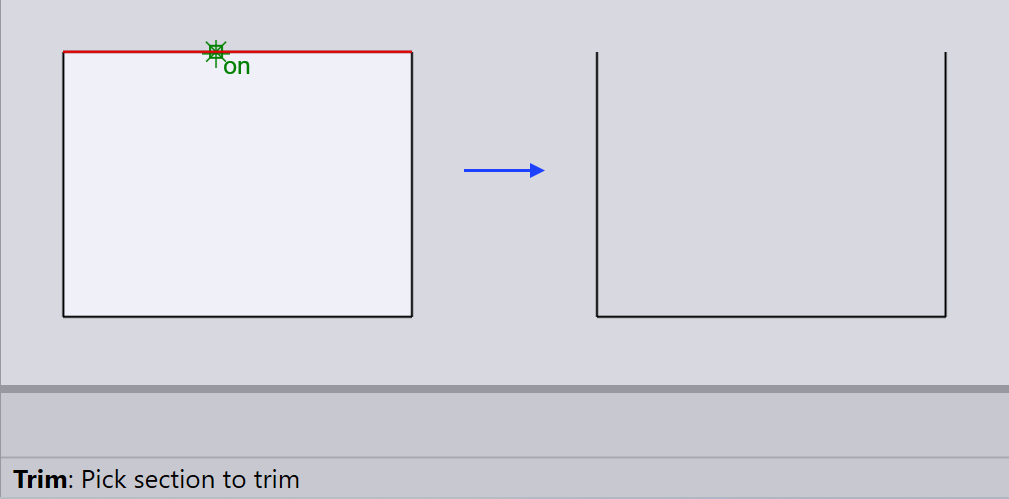
Removing complete entity
To remove an entity completely, select the Trim tool and click on the entity you want to delete.
Removing partial entity
To remove part of an entity, select the Trim tool and click on the segment you want to trim.
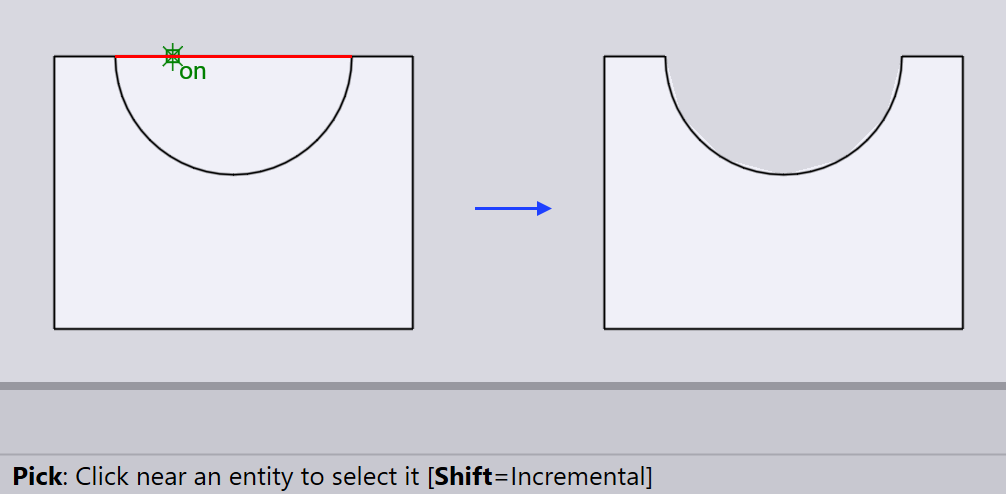
Partial entities are portions of lines or arcs whose endpoints are determined by where they intersect with other drawing entities.